

 Update App
Social Networking Mobile App Design • 2026
One App, Several Experiences:
Discover Updates And Connect With People From All Over The World.
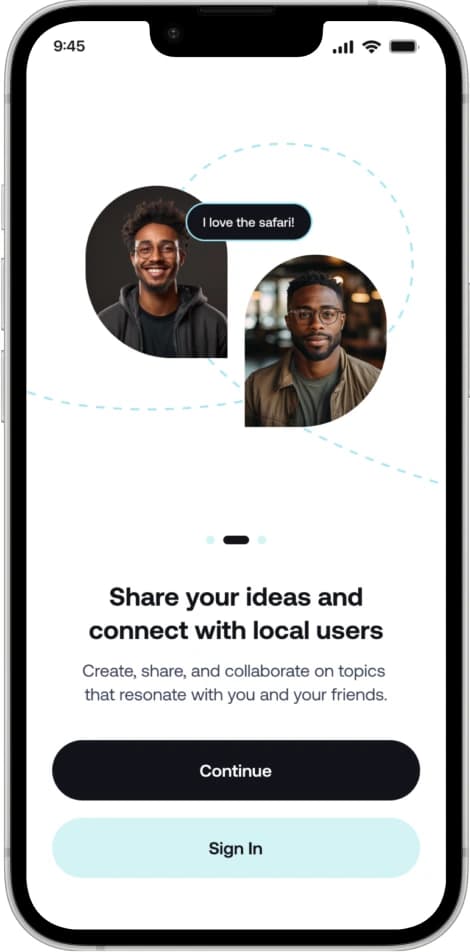
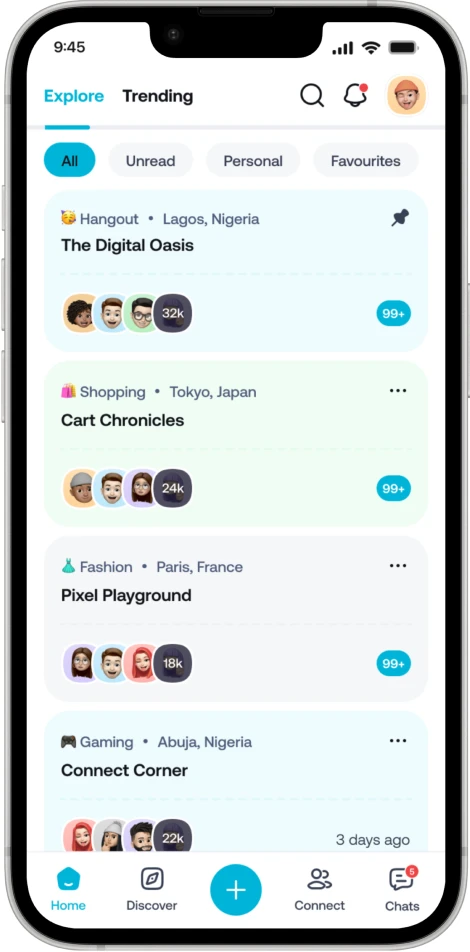
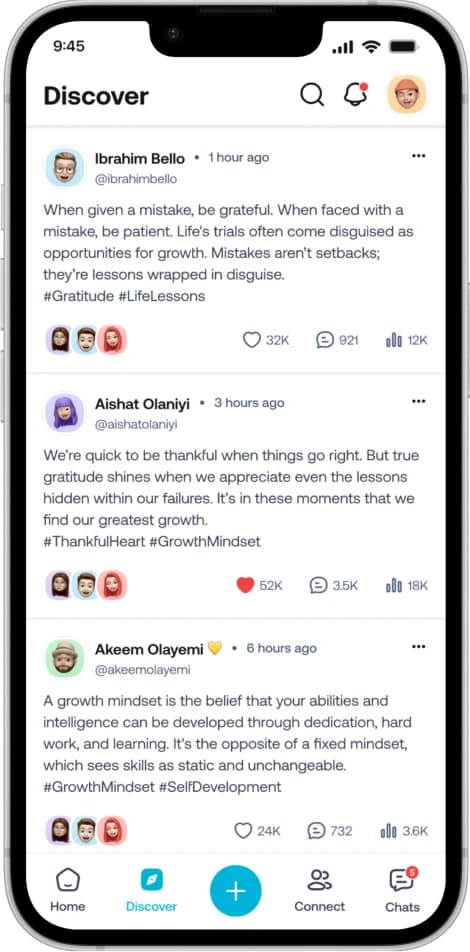
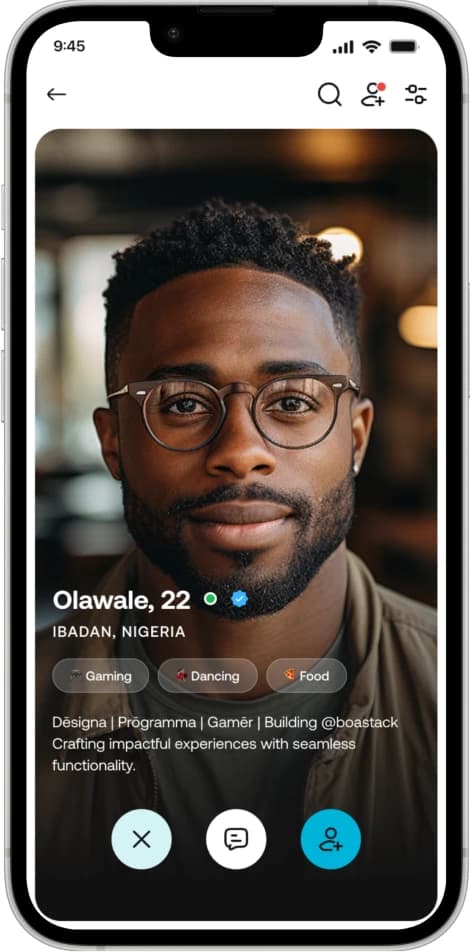
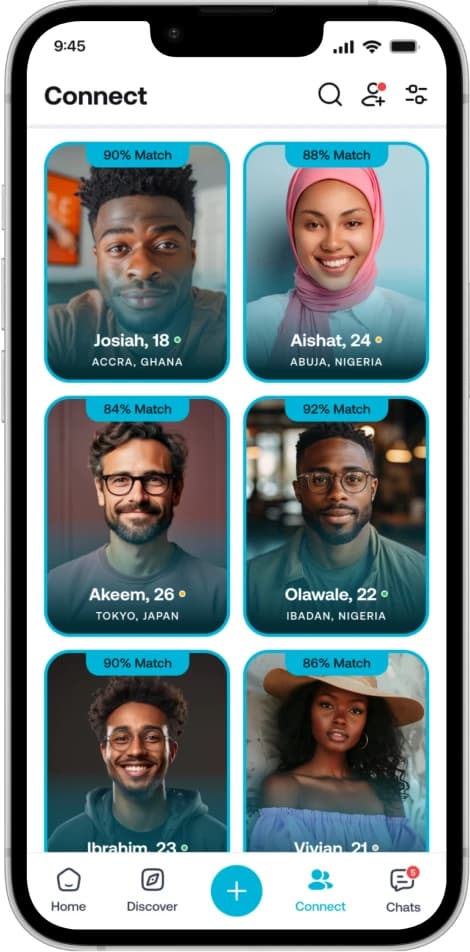
As part of a client project, I created Update Social Networking app, an application designed to enable users discover updates from all around the world through location-based rooms, while being able to connect with individuals from all around the world. I ran a focused UX audit and delivered a rapid design, streamlined navigation, tightened visual hierarchy, while prioritizing high-impact features that aligned with the client's vision and goal.
PROBLEM
Despite the rise of social media, many users and creators struggle to connect with the right people. Research also shows that users often experience fatigue and frustration, as a result of social media information overload That means small brands and creators struggle to be seen because their content aren't reaching the right audience at the right time. A 2026 creator survey found that 51.7% of creators identified the algorithm's unpredictability as their biggest challenge, which makes it difficult for them to reach their audience.
SOLUTION
Update helps users to discover and join communities based on location and shared interests rather than only engagement-driven feeds. It connects people with relevant rooms, discussions, and audiences so users can find conversations that matter to them and creators gain a better access to people who are genuinely interested in their content. Instead of getting lost in algorithm-driven feeds, users engage in focused communities where visibility is higher, conversations are more meaningful, and growing a personal brand feels natural.
Analysis
- User Personas
- Functional Analysis
Research
- User Flow
- Information Architecture
- User Interviews
- Competitor Analysis
Prototyping
- Service Structure
- Wireframes (Low-fidelity)
- Functional Prototype
- Technical Specialization
Design
- Visual Concept
- Design System
- App Icon
- High-Fidelity UI
Test
- Interactive Prototype
- Animation
- Main flow Testing
- Specification for a Developer
Empathize
USER INTERVIEWS
I interviewed four participants who who were all creators and small business owners but do not have an audience. Hearing things from their point of view, helped me gain an in depth understanding of the participants’ backgrounds and struggles so I’m able to find effective ways to help fill their needs and achieve their goals
Define
USER PERSONA
By creating a user persona, I gain insights into the actual users’ needs, goals, and frustrations. Through empathy, I can provide a more meaningful user experience. The objective is to identify effective strategies to address the users’ needs and pain points, based on the user persona that has been created.

Occupation: Content Creator
Location: Lagos State
Amina is a lifestyle creator based in Lagos who shares content about fashion, entrepreneurship, and personal growth. She spends hours creating high-quality content, engaging with her audience, and promoting her products. Despite her efforts, Amina often struggles to get her content in front of people who are genuinely interested in her niche. She feels like she’s competing against algorithms rather than connecting with real communities.
- Content visibility depends heavily on algorithms.
- Post not reaching the right audience.
- Growth feels inconsistent, making business difficult.
- Difficulty discovering niche communities interested.
- Extra time and effort to build loyal audience.
- Superficial interactions focused on likes and engagement
- Find communities that genuinely care about her content and expertise.
- Build deeper relationships with followers and potential customers.
- Grow her audience organically within relevant communities.
- Turn her content creation into a sustainable source of income.
- Establish herself as a trusted voice in her niche.
- Gain recognition for the value she provides rather than her ability to “beat the algorithm.”
Ideate
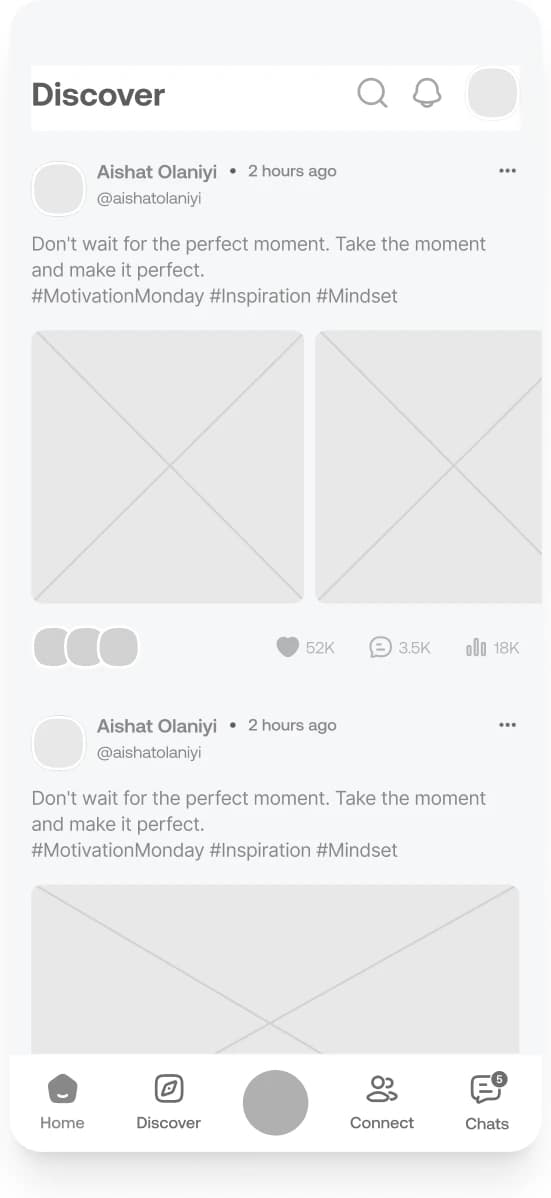
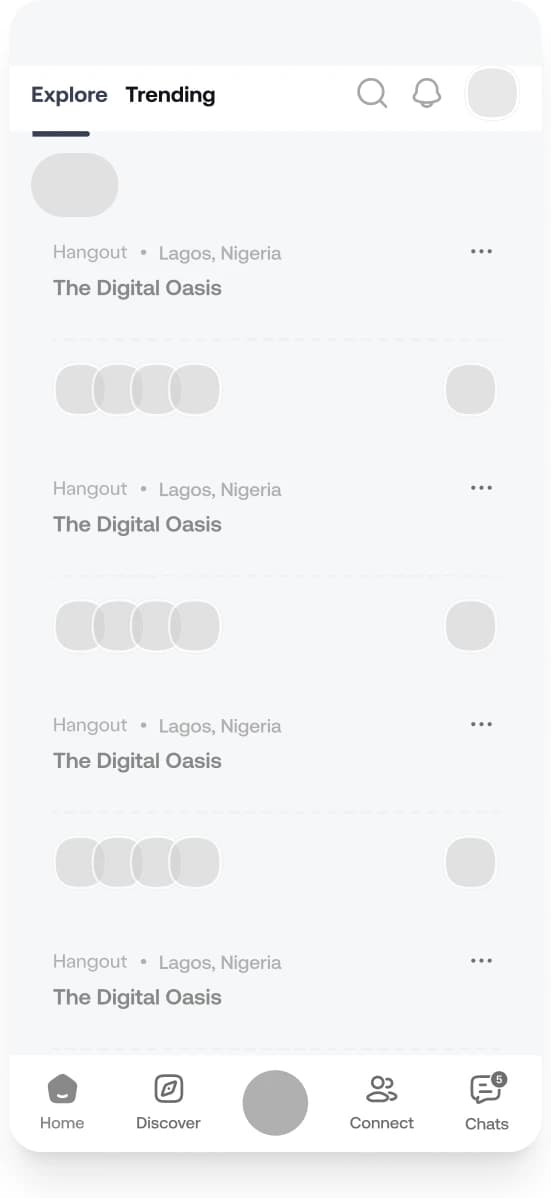
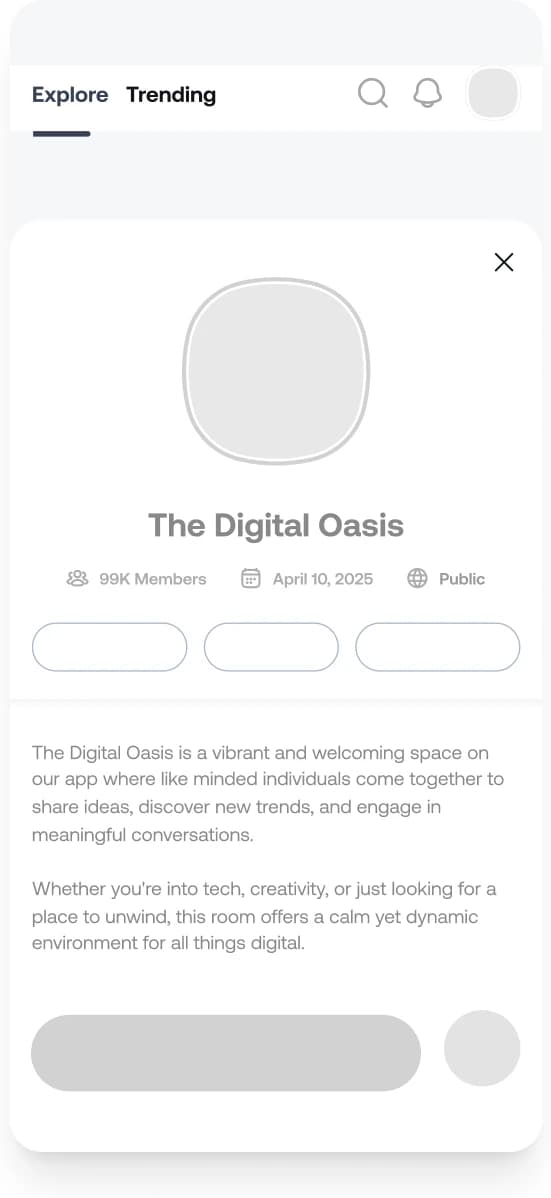
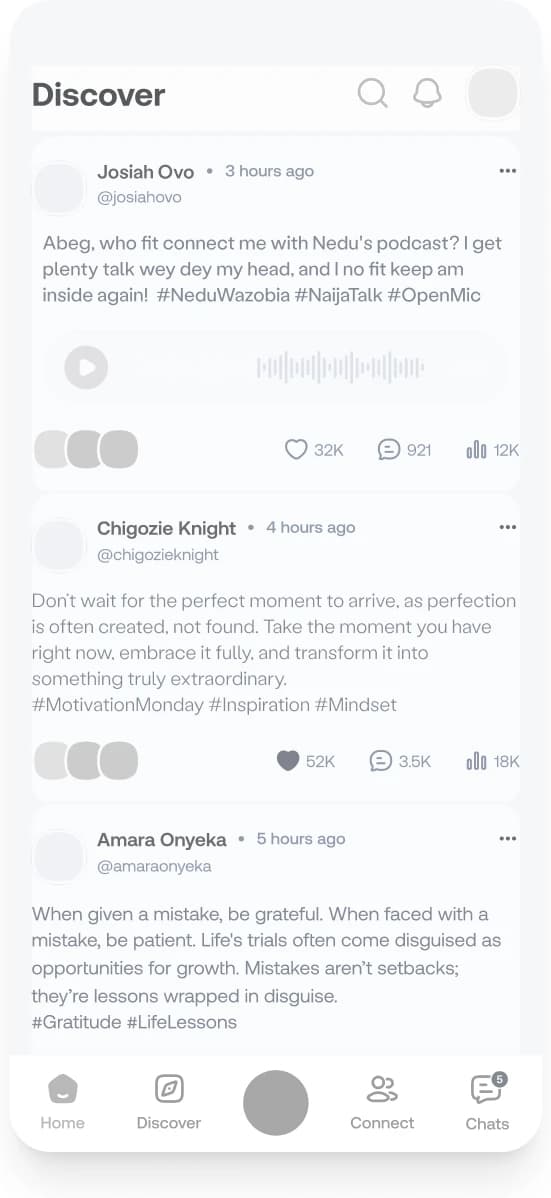
MID-FIDELITY WIREFRAMES
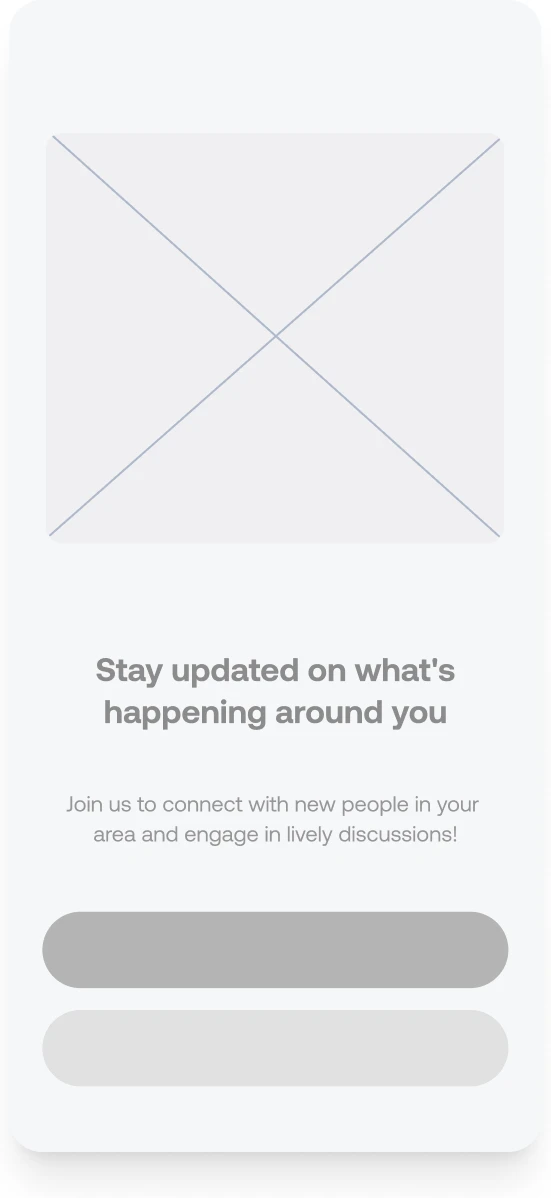
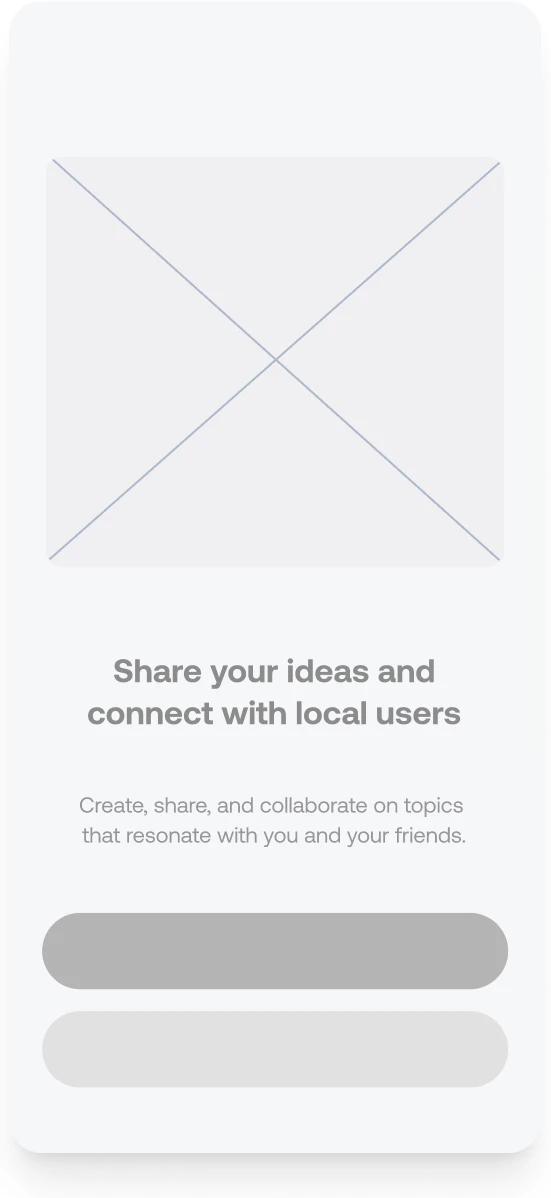
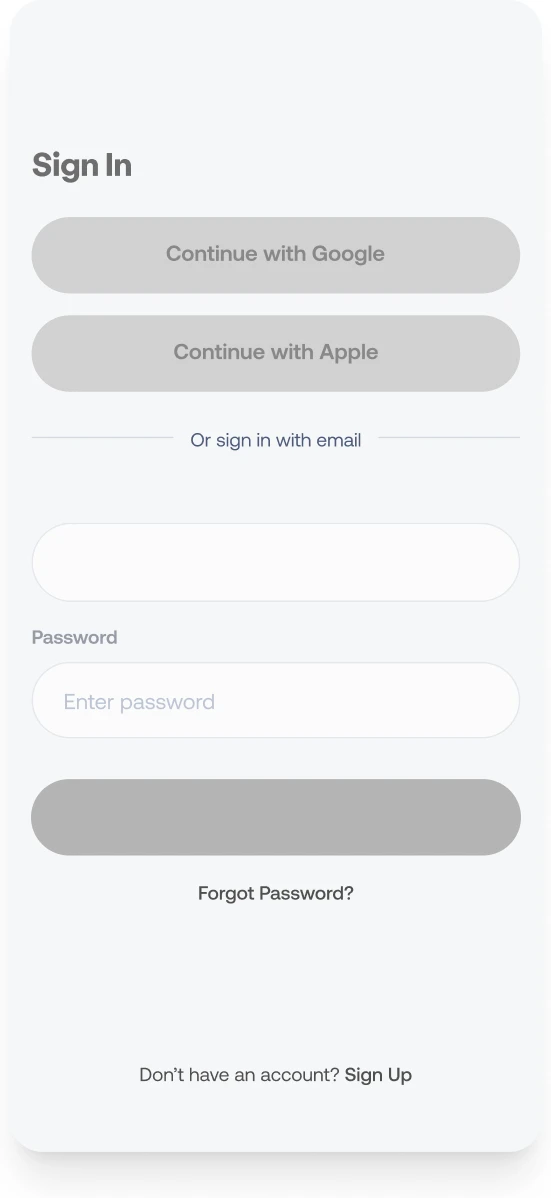
With mid-fidelity wireframes, I can concentrate on the layout and hierarchy without being distracted by aesthetic details. This stage is crucial for obtaining feedback and making modifications before moving forward.
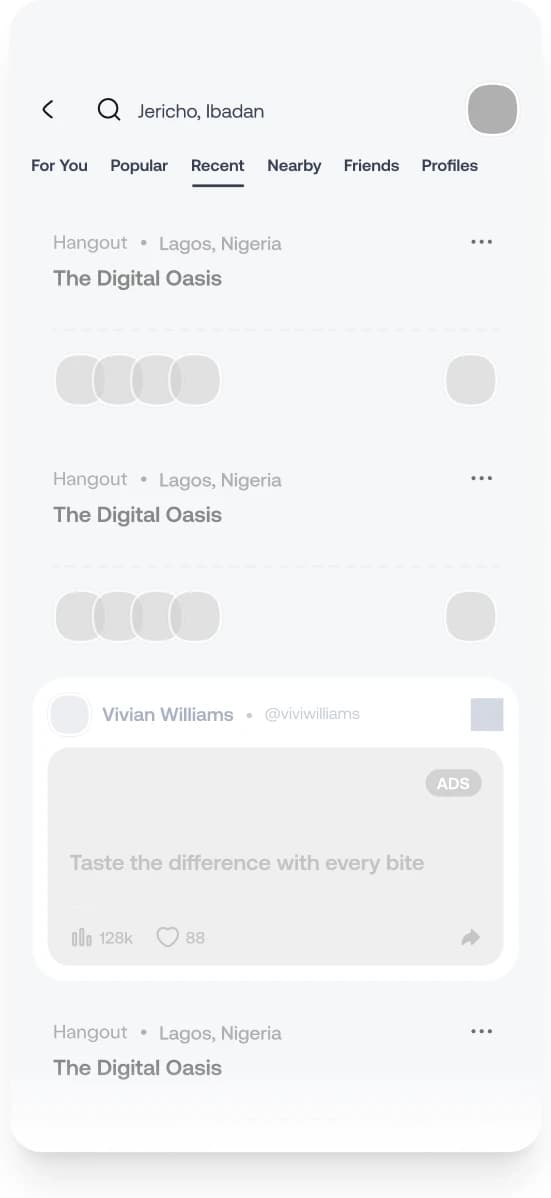
Prototype
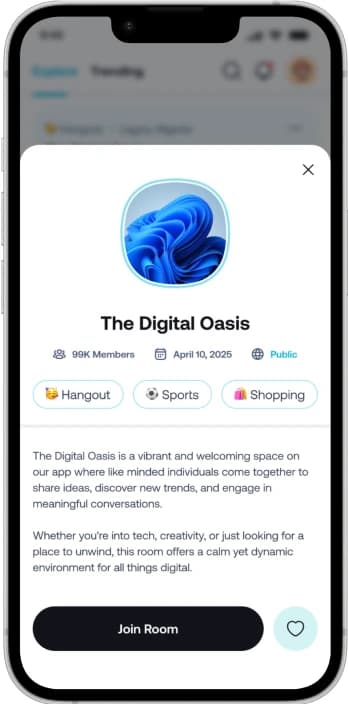
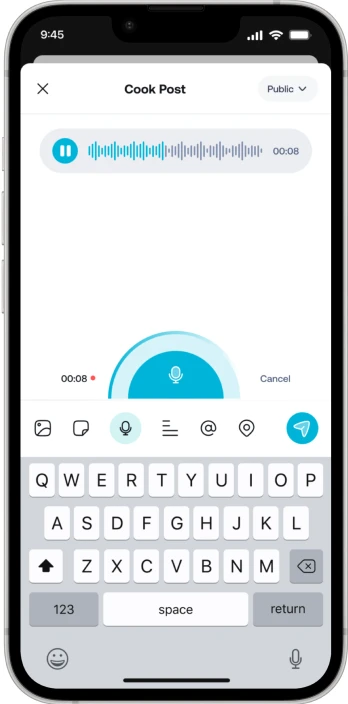
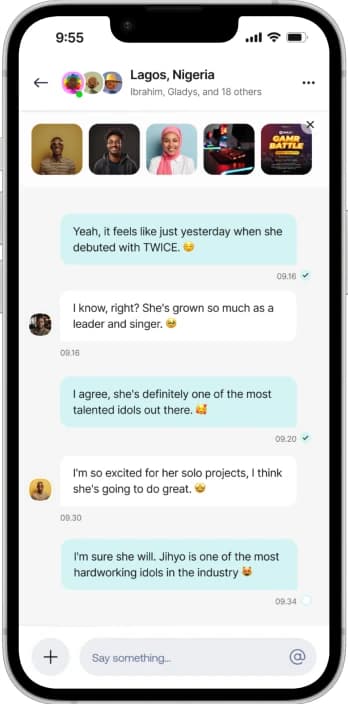
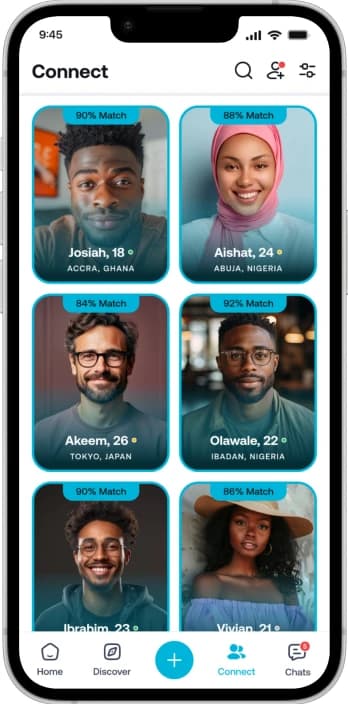
HIGH-FIDELITY WIREFRAMES
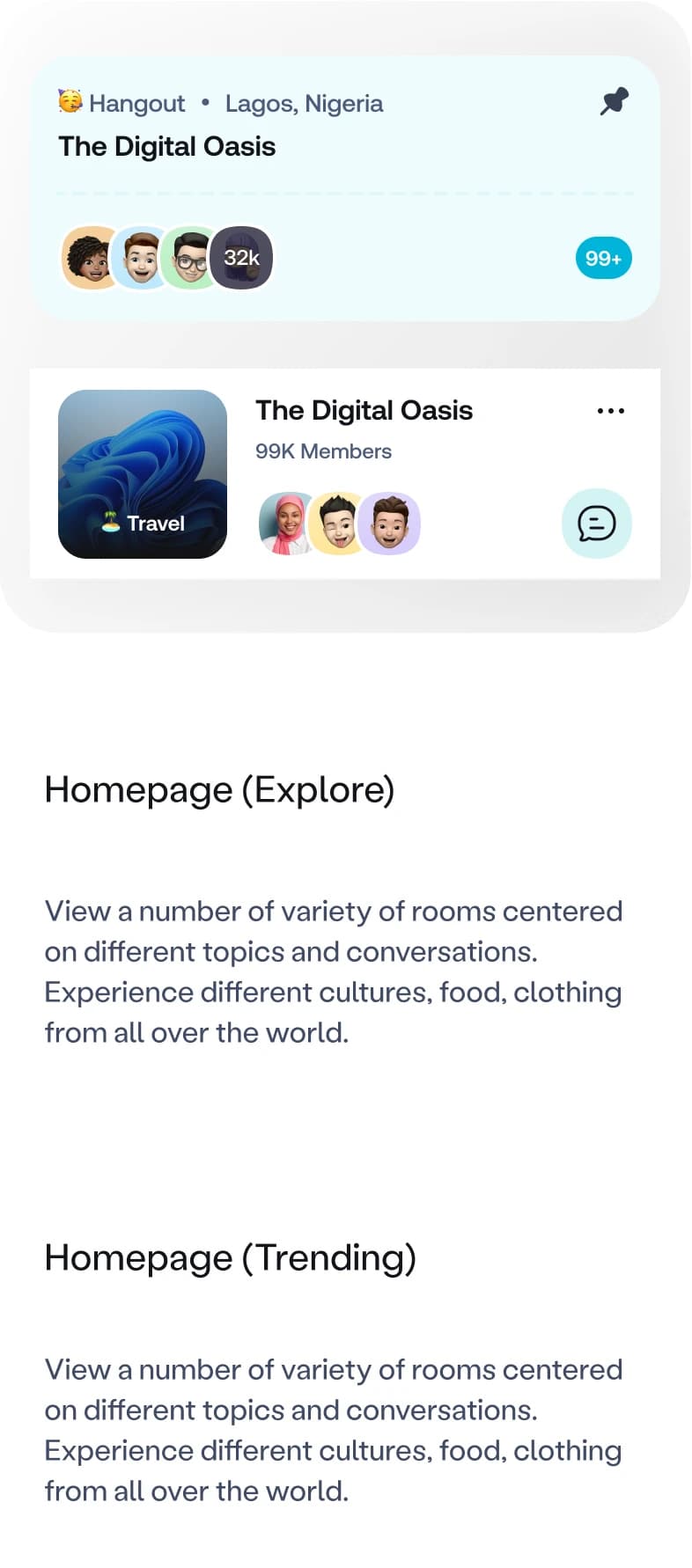
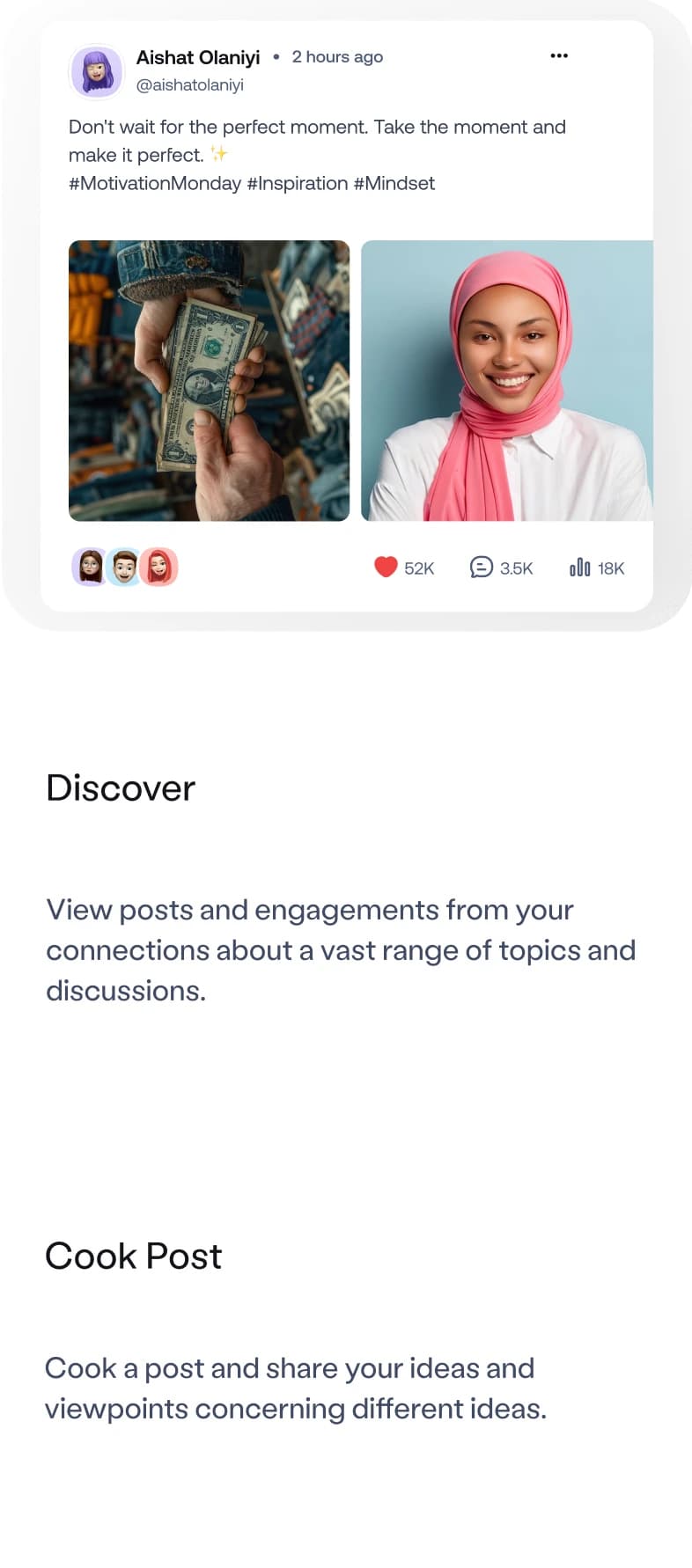
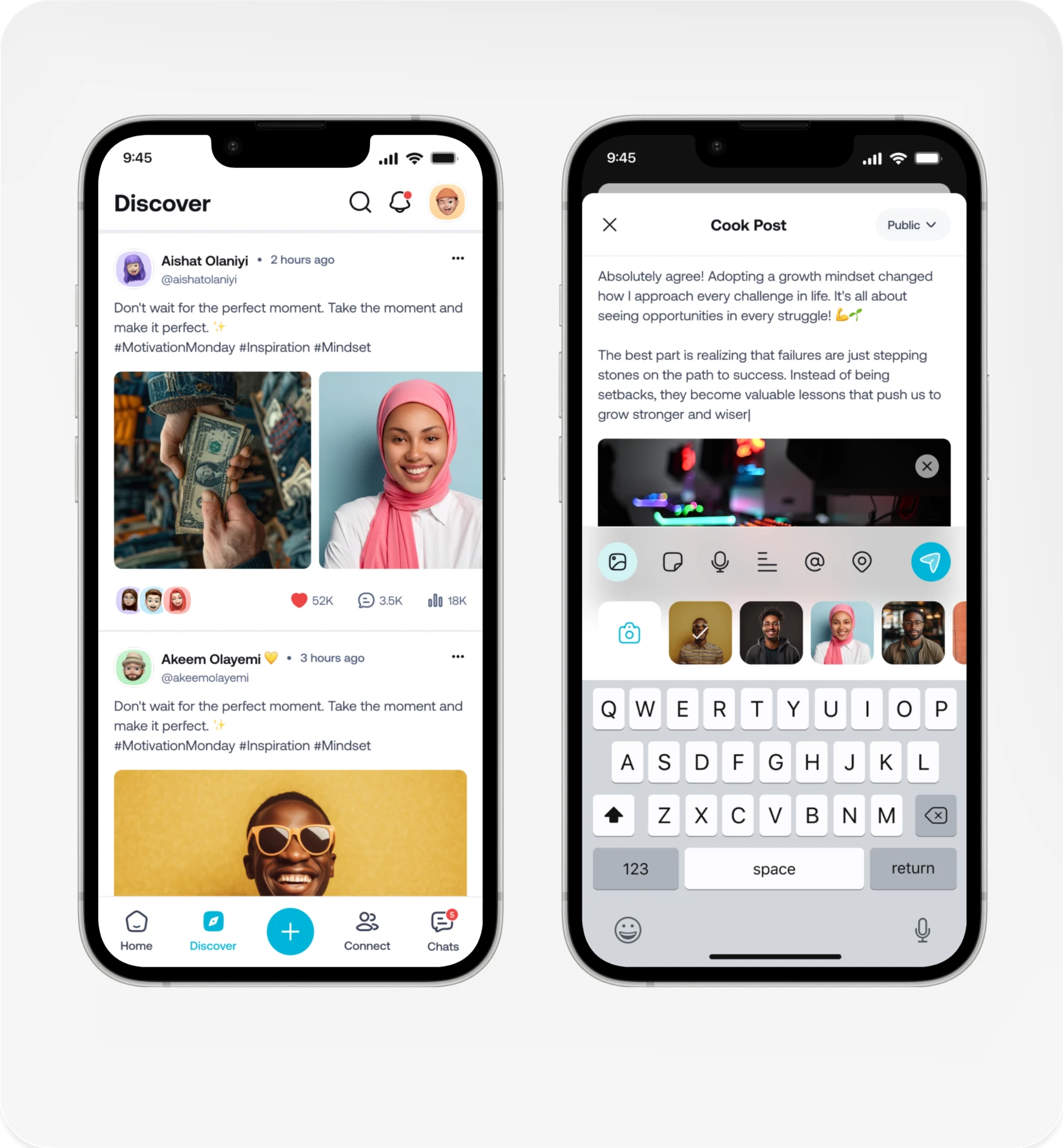
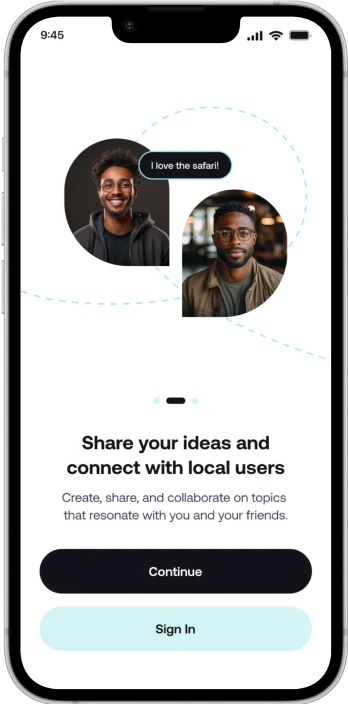
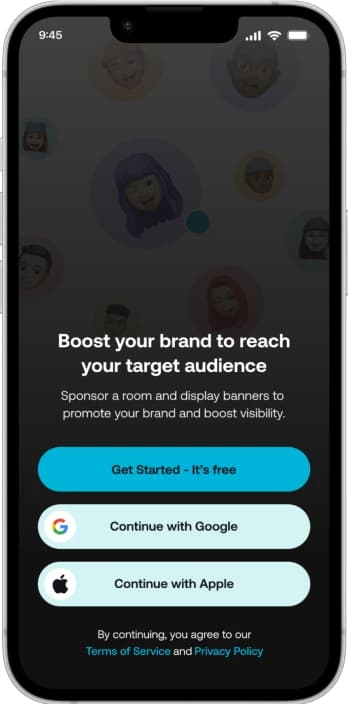
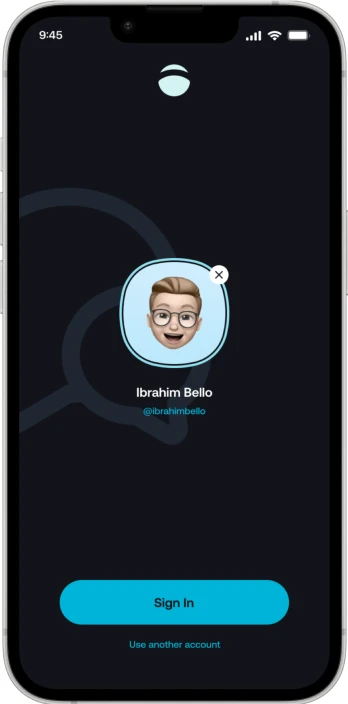
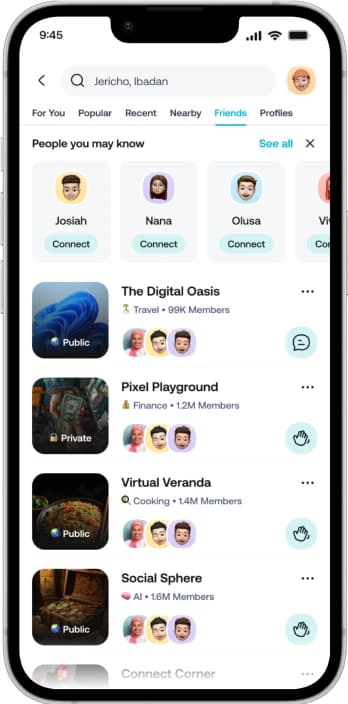
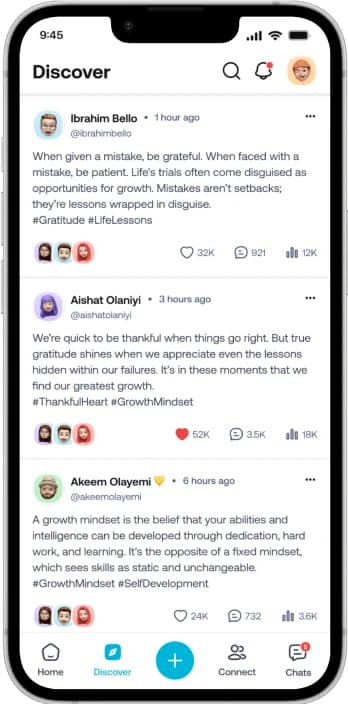
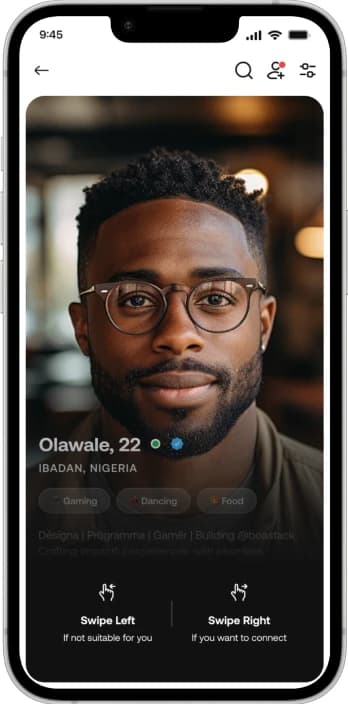
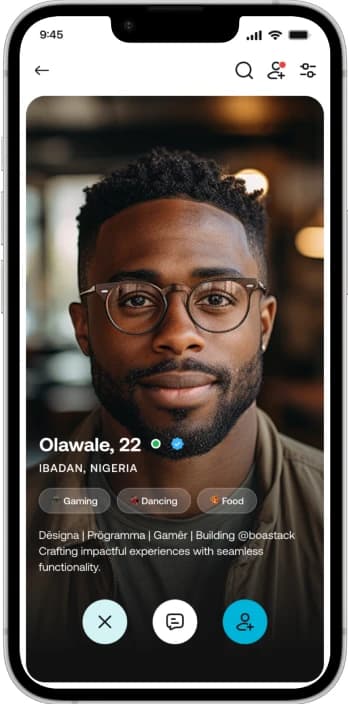
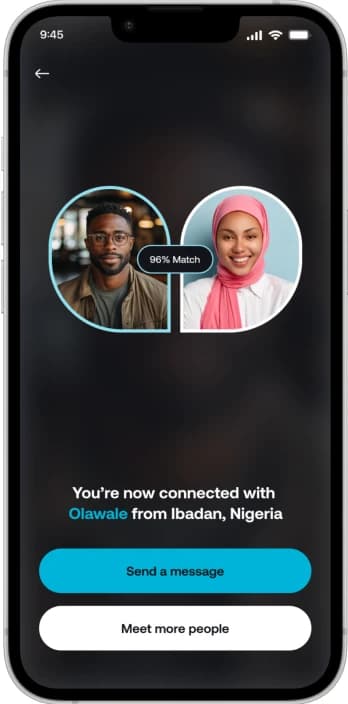
With incorporating the design choices to the mid-fidelity wireframes I’m able to see a clearer representation of the final product. It’s important to stay true to the brands identity and values by staying consistent with the content and style throughout the application. By creating these wireframes, I’m able to move forward with prototyping and effectively bring these designs to life.
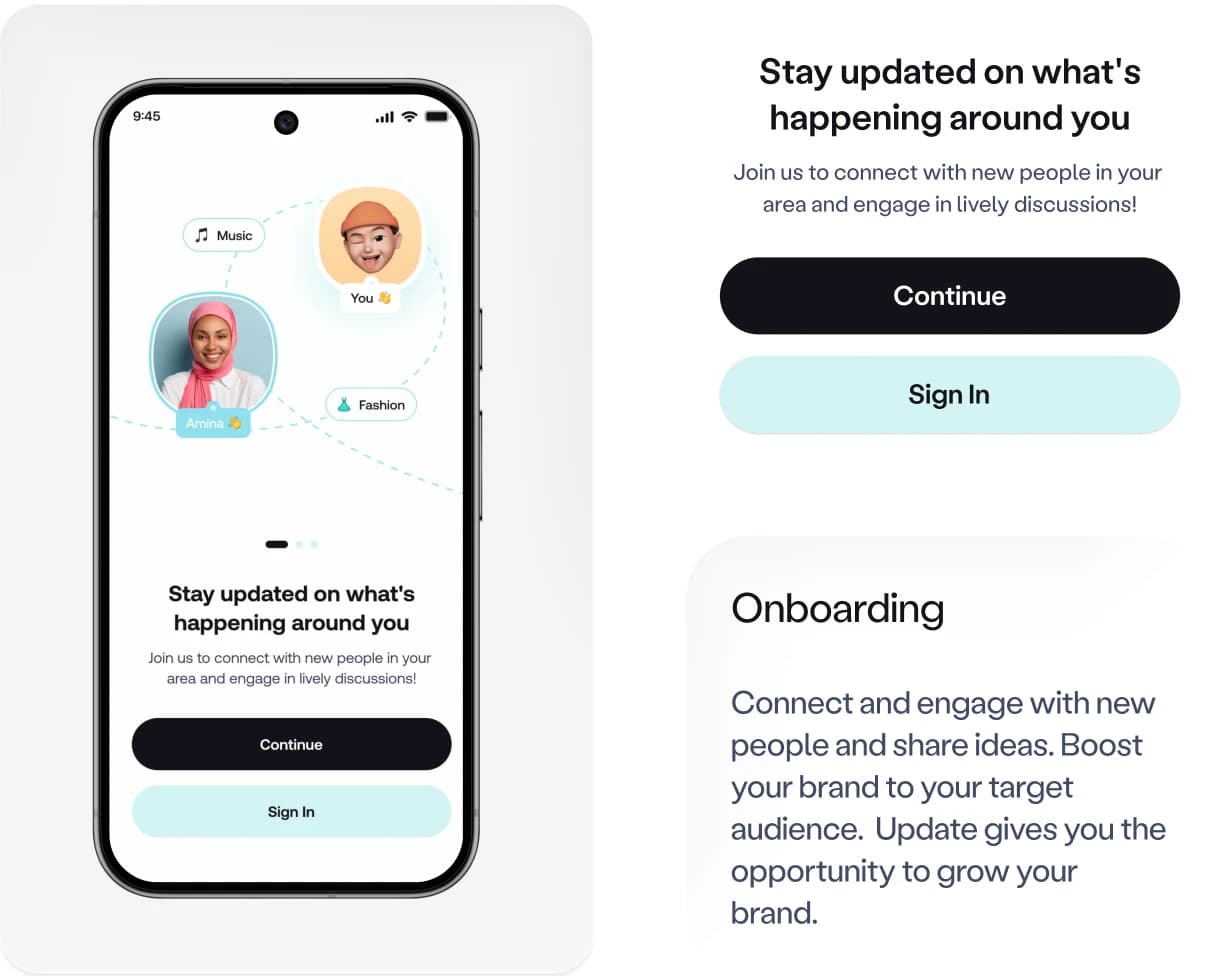
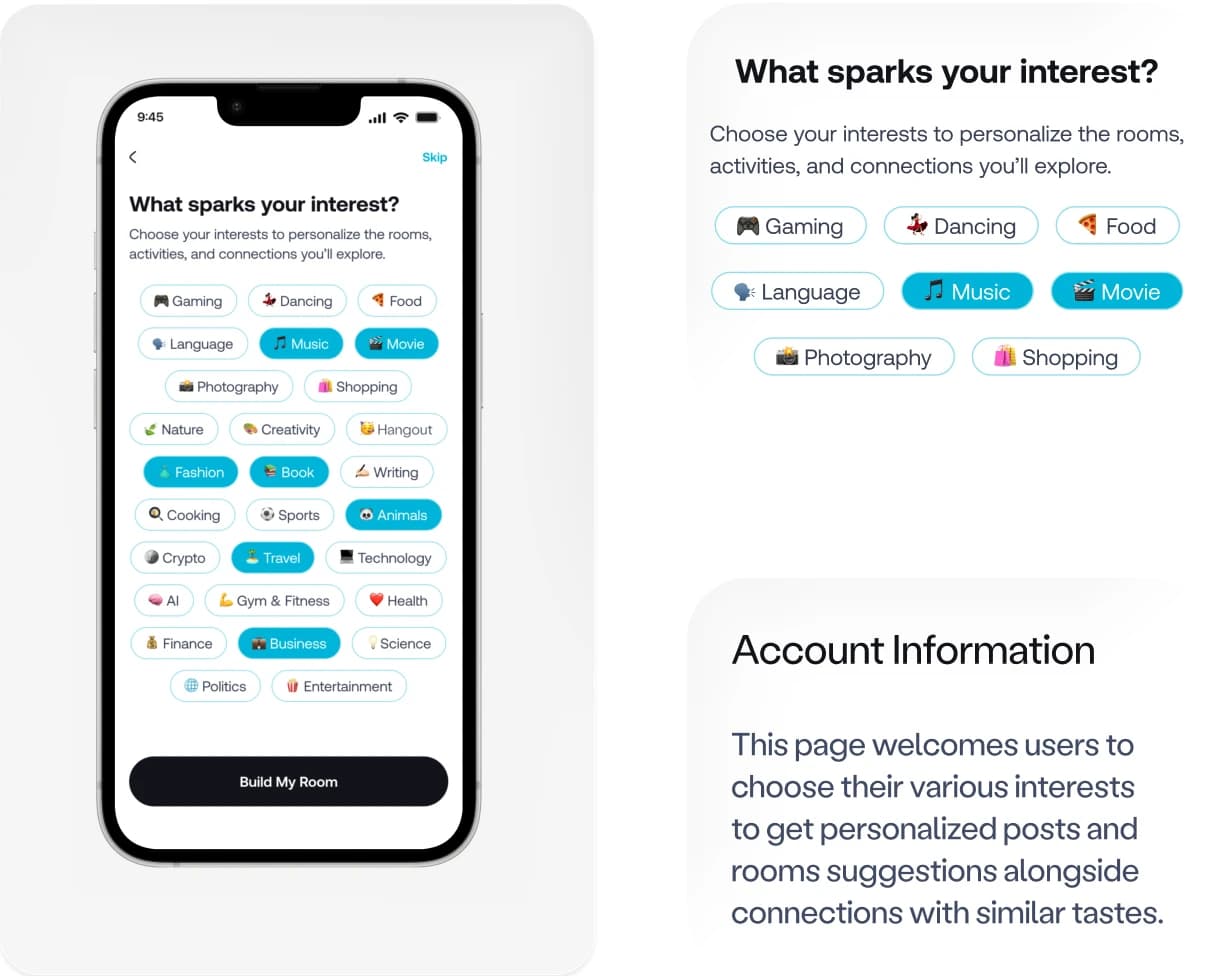
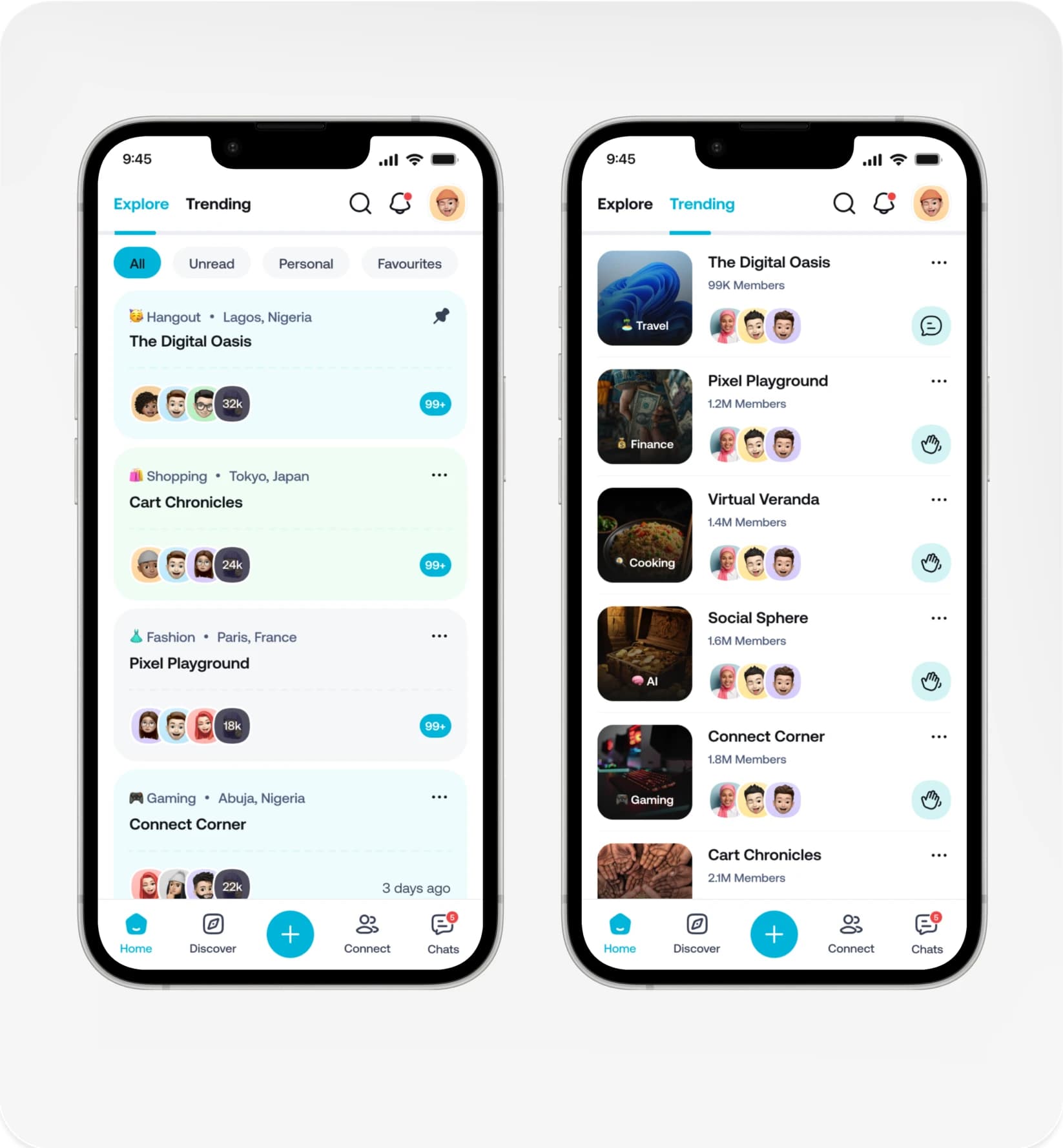
Test
The goal of this test is to understand how users navigate and complete the tasks within the app. I want to see if there’s any confusion with locating resources/topics/strategies and how smooth and quickly it is to add it to their schedule. The tasks include signing up/picking topics, finding more topics from home screen, and lastly adding a strategy to their schedule
Participants felt the overall look was visually appealing and clean. They liked how simple it was to navigate through and most enjoyed the personalization throughout the application. Some participants mentioned they would change some details regarding the adding strategy screen.
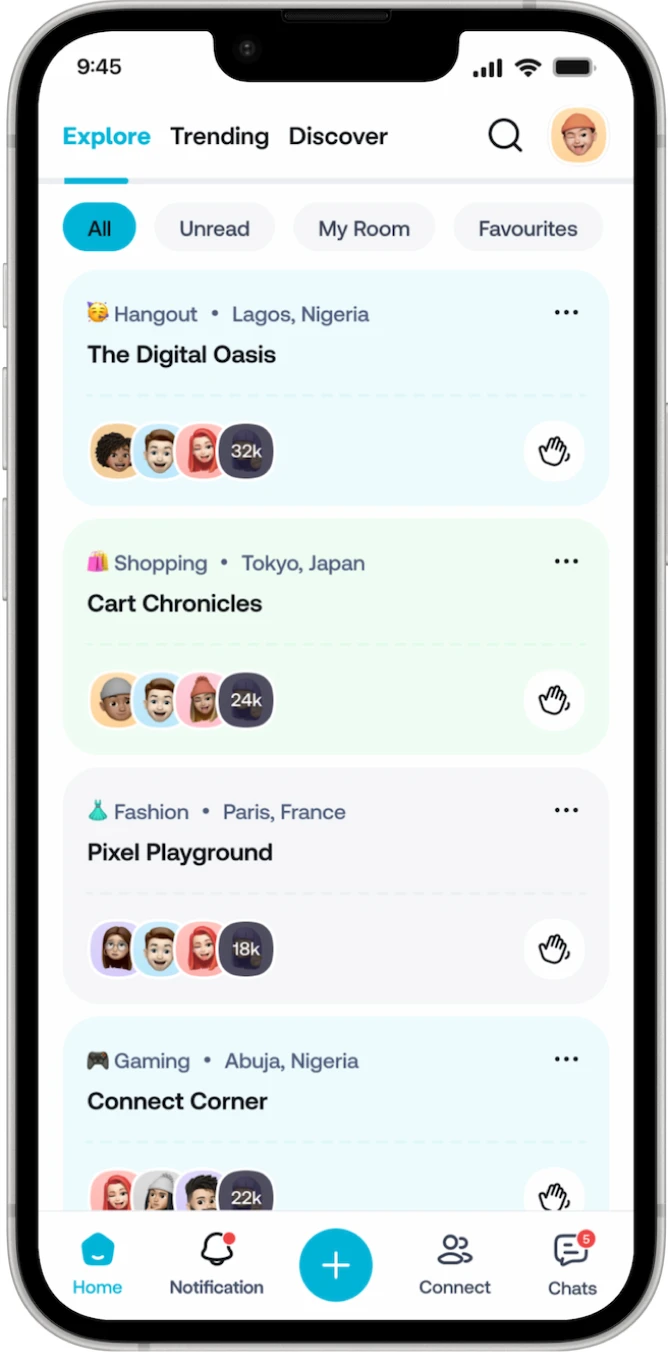
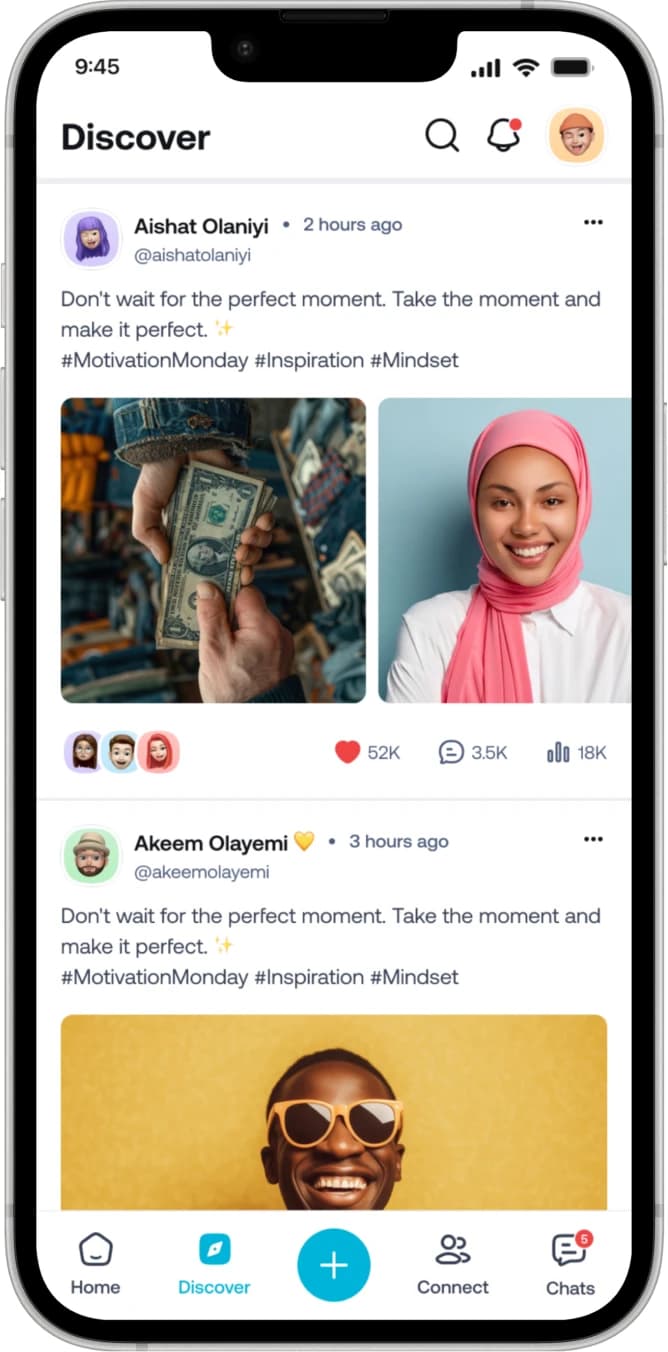
People had trouble finding the Discover feature when it was hidden inside Explore and they recommended giving it its own navigation tab. After making that change, it became much easier to discover. The Notifications was also to a more noticeable spot, so now updates, messages, and community activity are easier and faster to reach.
Conclusion
KEY TAKEAWAYS
Empathizing With The User : Understanding the users pain points, needs, and goals allows the designer to be able to provide a better user experience, reducing confusion and frustration
Testing And Feedback : These steps throughout the design process are necessary for designers so that they are able to identify any issues and make improvements to the design.
Accessibility :It’s crucial that the design is inclusive and accessible to everyone, including individuals with disabilities.